
Installation Knowledge
AHD Monitor and AHD DVR Compatibility Guide
How to match AHD cameras with AHD monitors, mirror screens and DVR systems for rear view and fleet recording projects.
In this guide
Match signal and resolution
The camera output and display input must match. If the camera is AHD 1080P, the monitor or DVR should support AHD 1080P input.
Some monitors support AHD, CVBS and automatic switching. Others only support one signal, so the product specification must be checked carefully.
Monitor projects vs DVR projects
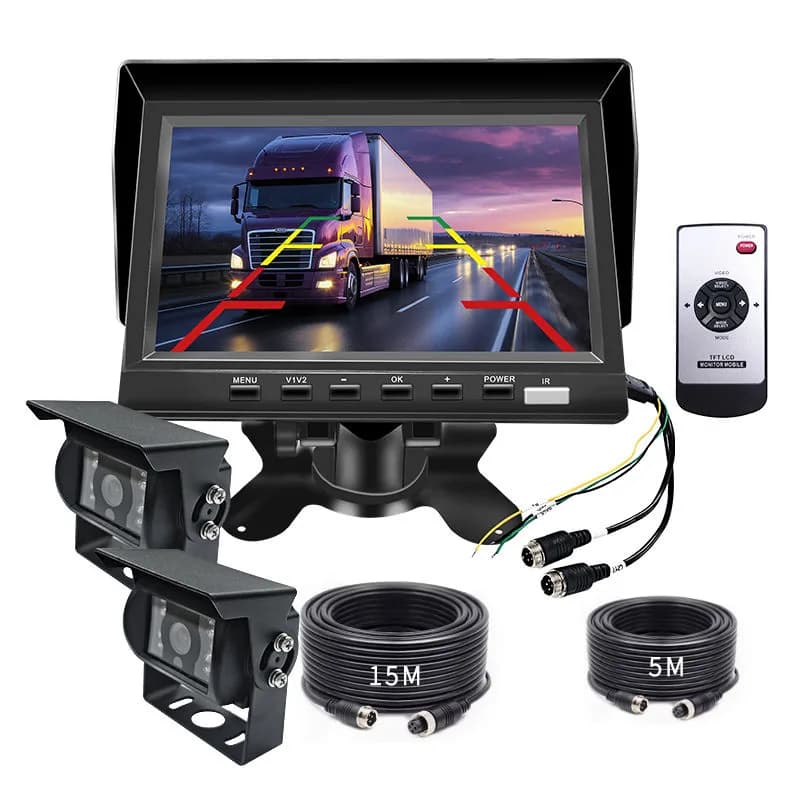
A monitor-only project focuses on real-time viewing while reversing or driving. A DVR project also records video for evidence and operation review.
For commercial fleets, an AHD DVR can connect multiple cameras and keep footage from rear, side and cabin channels.
Questions to ask before buying
Ask how many channels are needed, which signal each channel supports, whether the system needs audio, storage size, trigger function, voltage range and cable length.
For wholesale buyers, keeping cameras and monitors in the same signal family reduces after-sales problems.
Related products and pages
FAQ
Can AHD camera connect to a CVBS monitor?
Only if the camera can switch to CVBS output or the monitor supports AHD input. Otherwise, it may show no image.
Do fleet vehicles need an AHD DVR?
If the project needs recording and evidence management, an AHD DVR is useful. If it only needs live rear view, a monitor may be enough.
RFQ
Need pricing for this project?
Send your target market, quantity and required functions. DubyTech will help match suitable models for wholesale or OEM discussion.